Popular searches
- Keyboard
- Magnetic keyboard
- MADE68 ultra
- Low profile keyboard

Deep dives into Hall Effect switches, rapid trigger, and everything that makes a keyboard worth gaming on. Tested by the people who build them.
The MelGeek x EVANGELION Centauri Edition pairs Asuka with the compact Centauri60 and Rei with the OLED-equipped Centauri80. This guide compares their layouts, controls, character-led designs, Hall Effect features, and...
Read the articleDiscover the best methods to keep your mechanical keyboard in pristine condition. A step-by-step guide to making it look clean and brand...
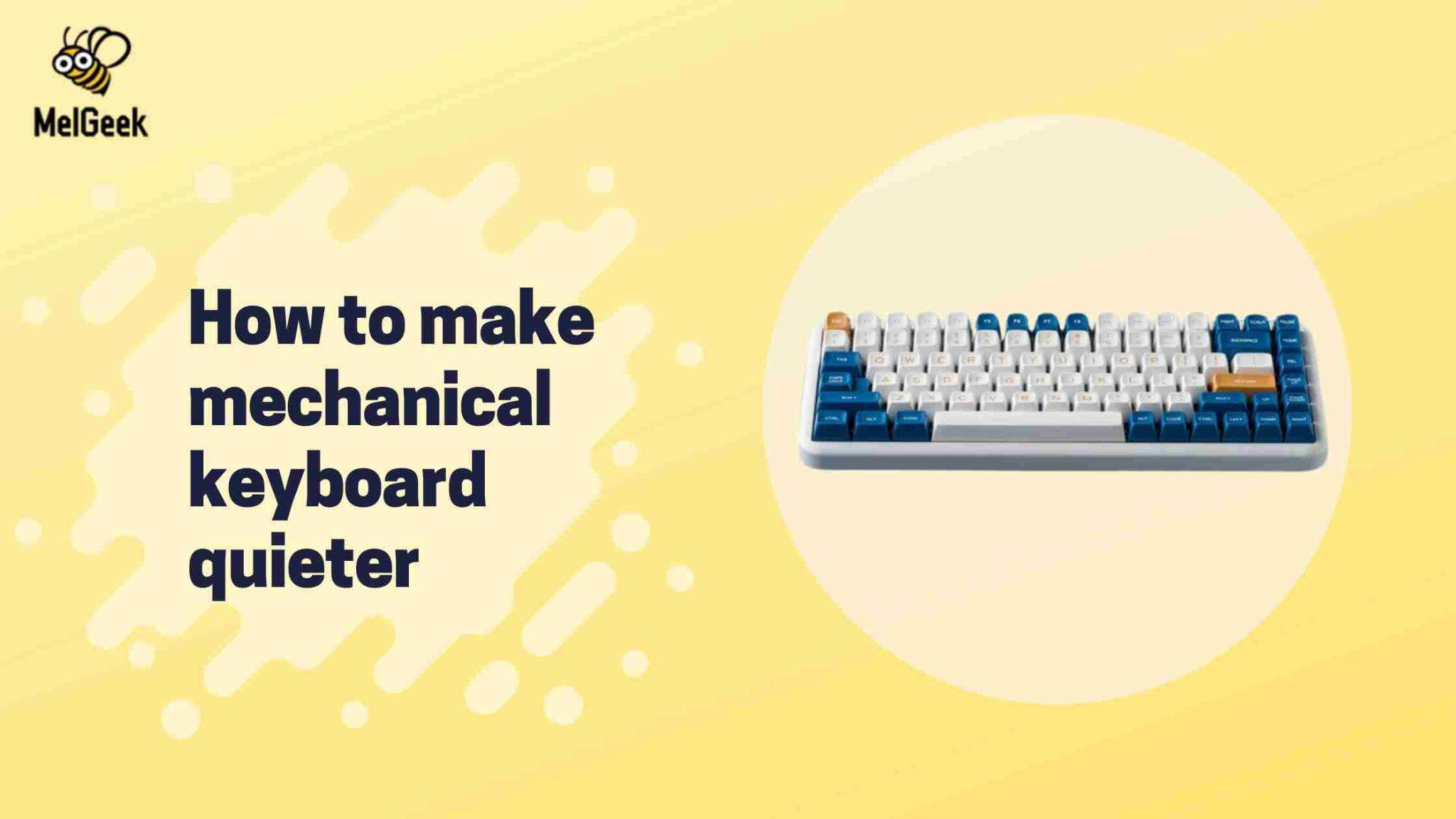
Find out how to transform your noisy mechanical keyboard into a silent work companion. Our expert tips guarantee a quieter typing experience.
Learn the essentials of converting a 4-wire USB cable to 2-wire with this straightforward tutorial.
Unveil the essentials of connecting your PS4 controller with a comprehensive guide on USB cables.
Discover why USB 3.0 devices often require a power cable for optimal performance and reliability.
Dive into the world of full-size mechanical keyboards with our comprehensive guide for enthusiasts.
When a phone, monitor, or dock only charges, the USB-C cable may not carry data or video. This guide shows what to...
Explore our top picks for sleek, low profile mechanical keyboards, perfect for minimalist setups.
Discover the best mechanical keyboard cases with our easy guide. Perfect fits, top styles, and tips in one place.
Read first, then jump to the matching keyboard.
Magnetic · Rapid Trigger · 8K polling
EVA collab · Compact 60% · Hall Effect
EVA collab · Limited edition · Full HE performance
|
Comparison |
| Color |
| Number of Keys |
| Case Material |
| Keycaps Material |
| Polling Rate |
| Switch |
| Backlighting |
| RT Precision |
| Dead Zone |
| Latency |
| Price |